




SOLIDWORKS® Composer™ transforms the way technical communication is created by allowing documentation to be developed in parallel with product design. Instead of waiting for final CAD models, teams can begin producing accurate, high-quality visuals and instructions early—ensuring documentation is always aligned with the latest design updates.
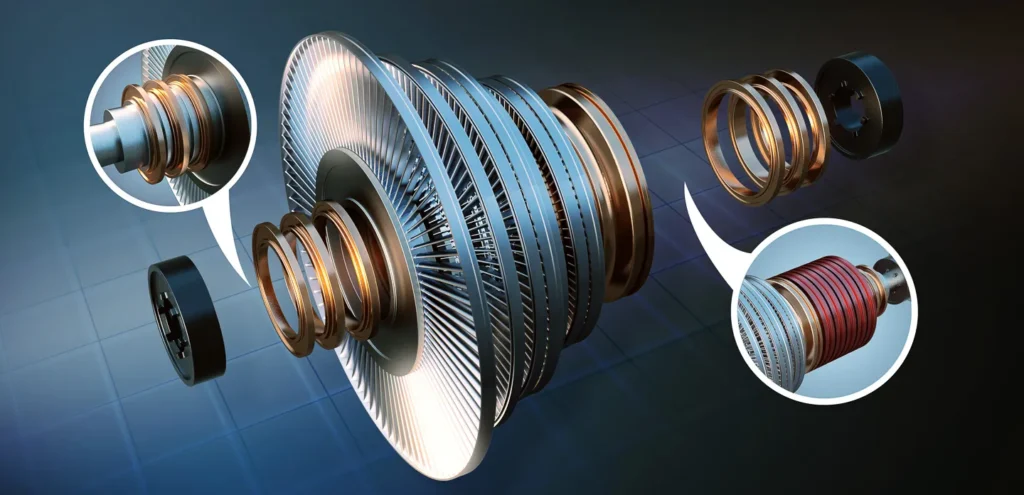
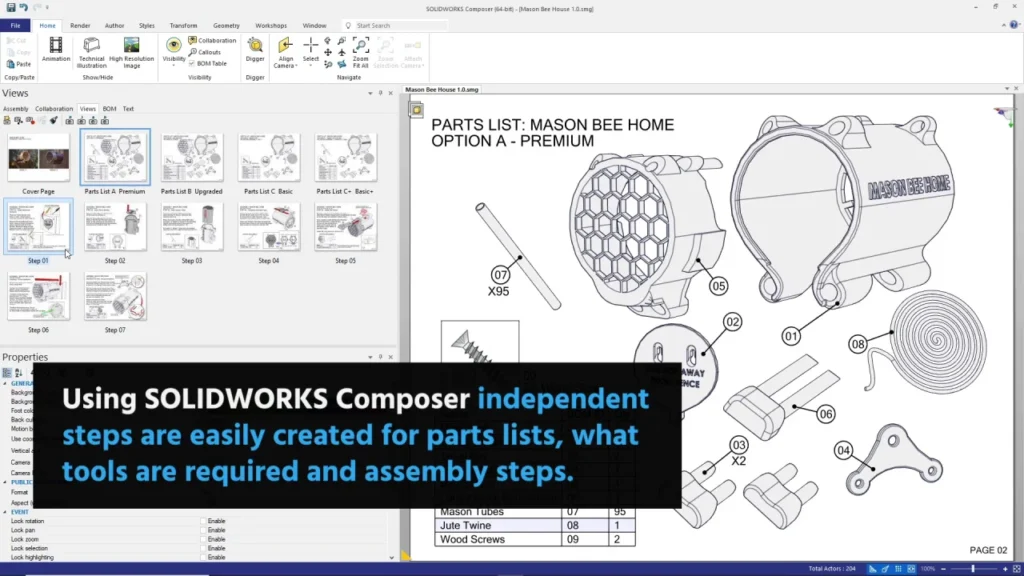
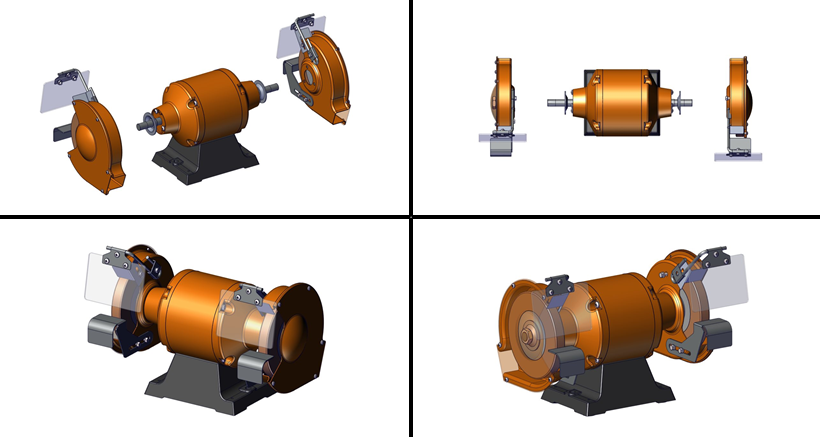
With its intuitive interface, SOLIDWORKS Composer enables users to create detailed 2D and 3D graphics, step-by-step assembly instructions, realistic animations, and interactive content. Precise control over views, components, and callouts makes it easy to highlight critical details, improving clarity for manufacturing, service, training, and marketing teams.
Because Composer is fully associative with SOLIDWORKS 3D CAD data, any design change is automatically reflected in all related documentation. This guarantees accuracy, eliminates manual rework, and significantly reduces errors. Visual instructions and animations simplify complex assembly and repair processes, reduce shop-floor mistakes, overcome language barriers, and lower localization costs.
SOLIDWORKS Composer is ideal for technical writers, engineers, illustrators, and product teams who want to move beyond screenshots, photographs, and outdated manuals. By reusing existing CAD data, teams can quickly generate professional manuals, user guides, training materials, marketing visuals, and interactive web content—always up to date and visually engaging.
Key Benefits
- Work smarter: Automate repetitive tasks and focus on clear, effective communication
- Improve understanding: Create compelling visuals and animations that enhance learning and engagement
- Collaborate with confidence: Ensure all teams use accurate, current product data
- Reduce costs & time: Streamline documentation workflows and accelerate time-to-market
SOLIDWORKS Composer helps organizations deliver better products with better documentation—faster and more efficiently.
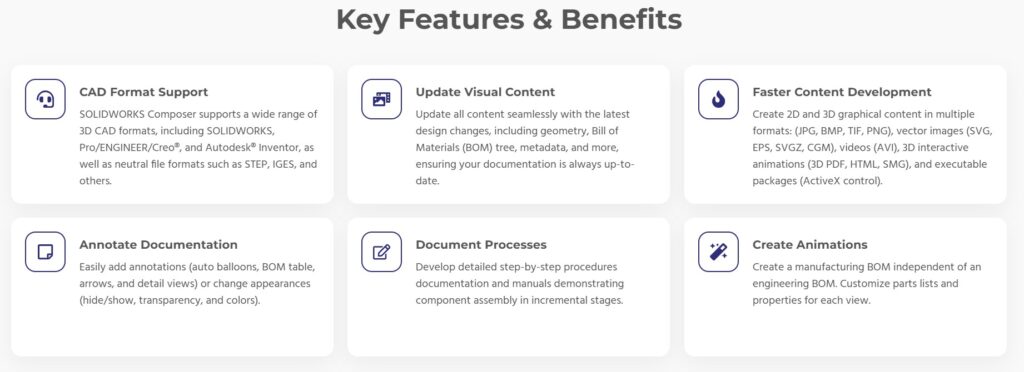
What Information Is Imported from SOLIDWORKS® into Composer?
SOLIDWORKS® Composer imports a wide range of data directly from SOLIDWORKS designs, ensuring accuracy and consistency across all technical documentation. Imported information includes:
- All metadata, including custom properties
- Design views, such as exploded views and configurations
- Assembly-level BOM IDs
- 3D PMI data, also known as MBD or DimXpert dimensions
- Textures, appearances, and part colors
All of this information is transferred directly into Composer and maintains an associative link to the original SOLIDWORKS files. If any changes are made to the design in SOLIDWORKS, those updates can be easily refreshed and reflected in Composer content.
This is quite a list but to break it down
FREQUESNTY ASKED QUESTIONS:
SOLIDWORKS® Composer is a powerful technical communication tool that enables you to create documentation and visual content directly from 3D CAD data. It allows you to reuse existing 3D models to produce high-quality illustrations, animations, and interactive presentations.
The main advantage of SOLIDWORKS Composer is its ability to work directly with your existing 3D CAD models. This allows documentation to begin early in the design process. As designs change, Composer updates automatically, ensuring accuracy and saving time.
Both tools create visuals from CAD data, but they serve different purposes. SOLIDWORKS Visualize is used to create photo-realistic, studio-quality renderings. SOLIDWORKS Composer focuses on technical documentation, such as assembly instructions, manuals, and service guides, where clarity is more important than photo realism.
Yes. SOLIDWORKS Composer is a standalone application and does not require SOLIDWORKS to be installed. However, you will need access to 3D CAD models to create documentation.
SOLIDWORKS Composer is sold and supported by authorized SOLIDWORKS resellers (VARs). A SOLIDWORKS license is not required to use Composer, but 3D CAD models are necessary.
Yes. Composer maintains a link to the SOLIDWORKS file name. When the design is updated, you can easily refresh the Composer content and push the changes to all related publications.
No. Composer operates independently of CAD modeling software. It only requires compatible 3D model files to generate documentation.
Yes. Composer is available with both standalone and network licensing options, allowing licenses to be assigned to a single computer or shared across multiple users.
Ready to modernize your documentation workflow?
Contact Sri Alekas Solutions Pvt Ltd to explore SOLIDWORKS Composer and see how it can transform your technical communication process.