




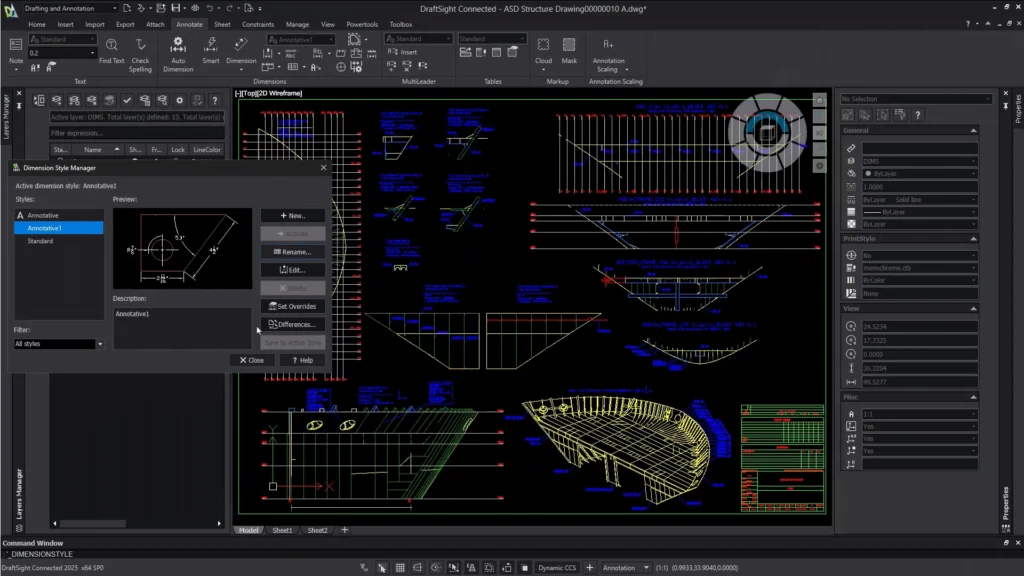
DraftSight® is a powerful and professional CAD solution designed to create, edit, view, and mark up 2D and 3D DWG files with ease. Developed by Dassault Systèmes, the 3DEXPERIENCE company, DraftSight delivers a familiar, intuitive interface that enables users to transition quickly from other CAD applications.
DraftSight is widely used by architects, engineers, construction professionals (AEC), manufacturers, designers, educators, and hobbyists who require reliable DWG compatibility and advanced drafting tools at an affordable cost.
Why Choose DraftSight?
DraftSight is a fully featured 2D CAD solution suitable for engineers across all disciplines. Whether you’re working on facility layouts, electrical schematics, manufacturing drawings, or documentation, DraftSight provides a flexible and cost-effective drafting environment.
With seamless support for DWG and DXF file formats, DraftSight ensures easy collaboration and file sharing with teams, clients, and partners—without compatibility concerns.
Seamless Integration & Collaboration
Integration with SOLIDWORKS PDM
DraftSight integrates fully with SOLIDWORKS PDM Standard and Professional, enabling:
- Secure data management
- Version control
- Centralized access to DraftSight drawings
This integration ensures efficient collaboration and protects your design data.
Copy & Paste with SOLIDWORKS
Reuse existing 2D designs by easily copying and pasting DraftSight geometry directly into SOLIDWORKS sketches, reducing rework and saving time.
3DEXPERIENCE Platform Integration
With 3DEXPERIENCE DraftSight, users gain access to enterprise-level PLM capabilities, enabling cloud-based collaboration, secure access, and design management anytime, anywhere.
SOLIDWORKS Electrical Integration
DraftSight offers unique advantages for SOLIDWORKS Electrical users:
- Edit or modify electrical symbols directly in DraftSight with a simple right-click
- Automatically save changes back to the SOLIDWORKS Electrical symbol library
- Use DraftSight as a viewer and markup tool for electrical projects
- Enhance documentation using DraftSight’s advanced drafting features
Supported File Formats
DraftSight supports a wide range of traditional and modern CAD file formats.
Import / Edit Formats:
- DWG
- DXF
- SAT
Export Formats:
- DWG, DXF, DWF/DWFx
- PNG, JPG, TIF, EMF, WMF
- SVG, EPS, SLD
- STL
This flexibility makes DraftSight ideal for documentation, manufacturing, and sharing designs across platforms.
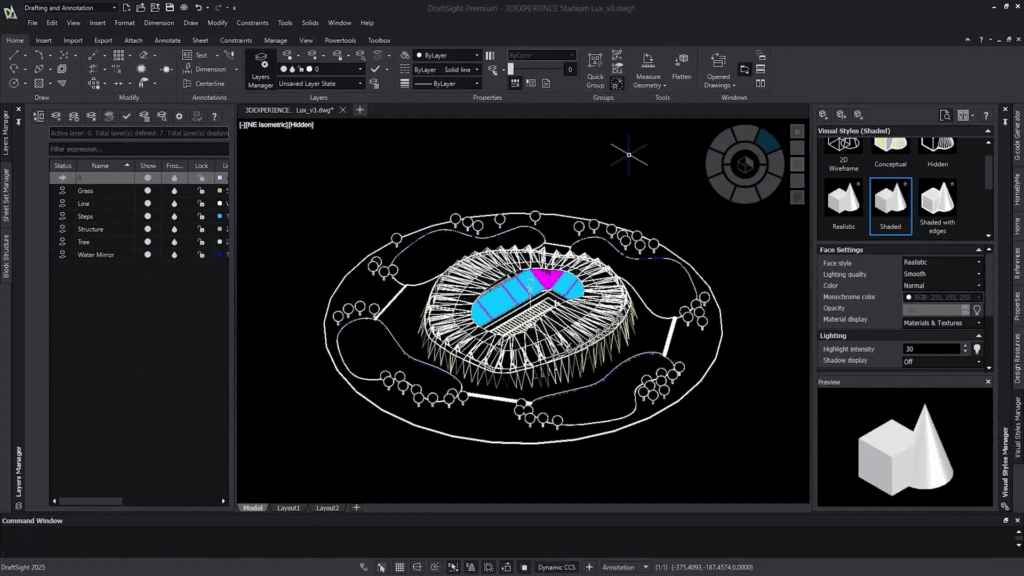
- Create, edit, view, and mark up 2D and 3D DWG files
- Flexible licensing options to match business and budget needs
- Powerful productivity tools to reduce drafting time
- Cost-effective 3D design tools for CNC machining and 3D printing
- Reliable compatibility for current and legacy DWG projects
- Familiar user interface with minimal learning curve
- Easy transition from other DWG-based CAD software
- Customization and automation through macros and APIs
- Affordable network licensing for easy deployment
- Seamless connection with other Dassault Systèmes solutions including:
- SOLIDWORKS Electrical
- SOLIDWORKS PDM
- 3DEXPERIENCE Marketplace
- DELMIA, GEOVIA, and more
DraftSight Enterprise offers enhanced tools compared to traditional CAD solutions, making it ideal for professional and enterprise users.
Enterprise Features Include:
- Auto Dimension & Auto Arrange Dimensions
- G-Code Generator
- Toolbox for standard components
- Dimension Snap Offset Distances
- Predefined Layers
- Auto Trim Dimension Extension Lines
- Image Tracer
- Drawing Compare
- Task Pane–based Commands
- Topo Tracer
- Easy learning curve for new users
Minimum Requirements:
- RAM: 2 GB (8 GB recommended for optimal performance)
- Disk Space: 500 MB – 1 GB free
- Processor: Intel® Core™ 2 Duo or AMD® Athlon™ X2
- Display: 1280 × 768 resolution
- Graphics: OpenGL 1.4 compatible card
Recommended Requirements:
- Processor: Intel® Core™ i5 or AMD® X4 or better
- Display: Full HD monitor
- Graphics: OpenGL 3.2 or higher
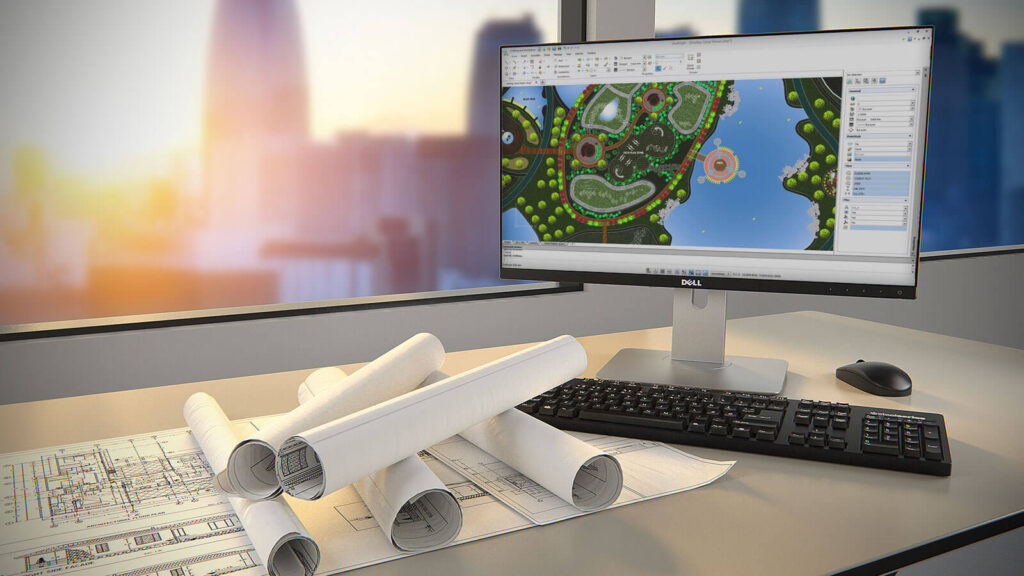
Ready to modernize your documentation workflow?
Contact Sri Alekas Solutions Pvt Ltd to explore DRAFTSIGHT and see how it can transform your technical communication process.